
Hydro-Dipping on Pottery!
How to Hydro-dip onto Bisque-fired Pottery!
Hydro dipping on bisque is easier than it looks, and this first try turned out way better than I expected it to!
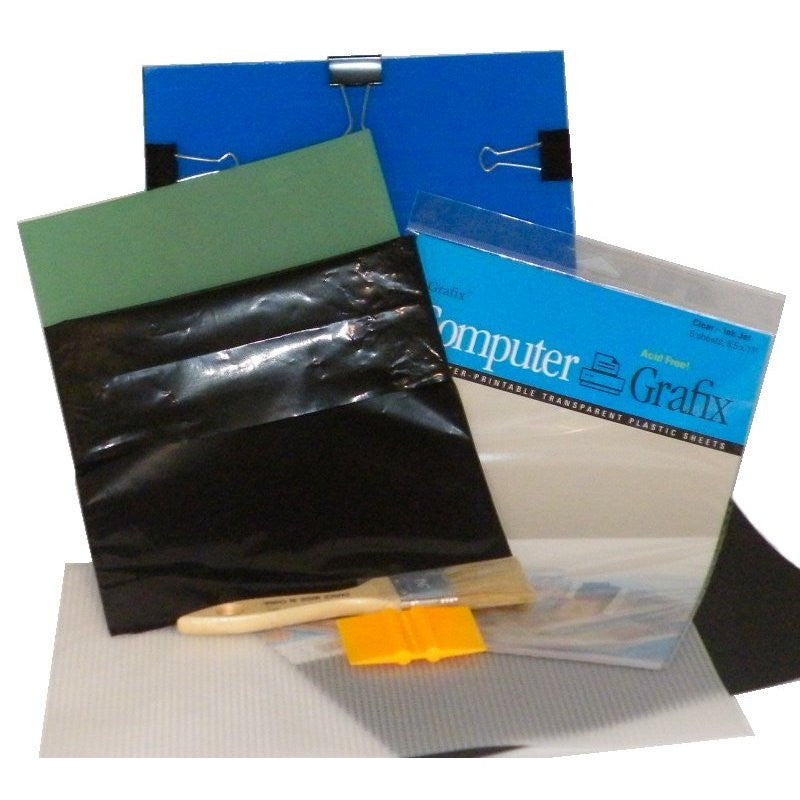
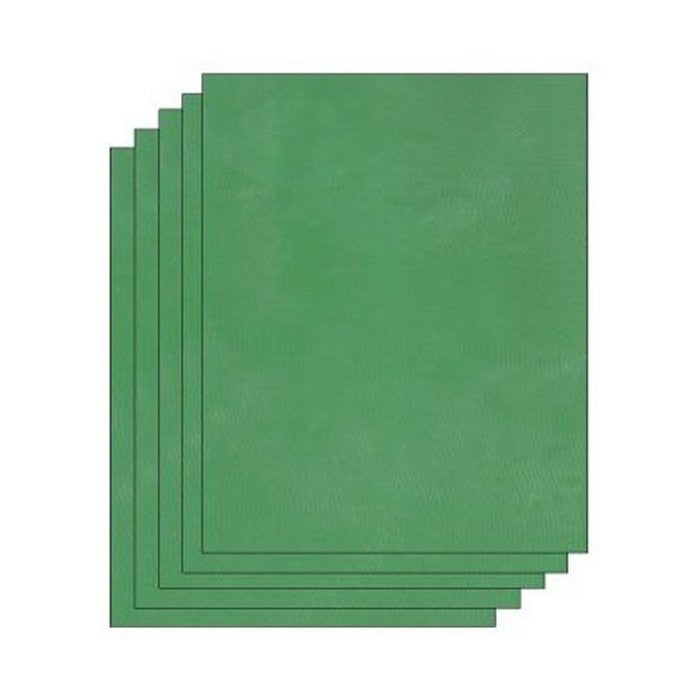
For this project, I used a hydro dipping set from Scott Jones Art, which came with clear plastic hydro dipping film and hydro dipping ink. Instead of freehanding a design, I used an EZScreen stencil to screen print my pattern directly onto the film before dipping a bisque-fired goblet.
Here’s how I did it!
Supplies
-
Bisque-fired ceramic piece
-
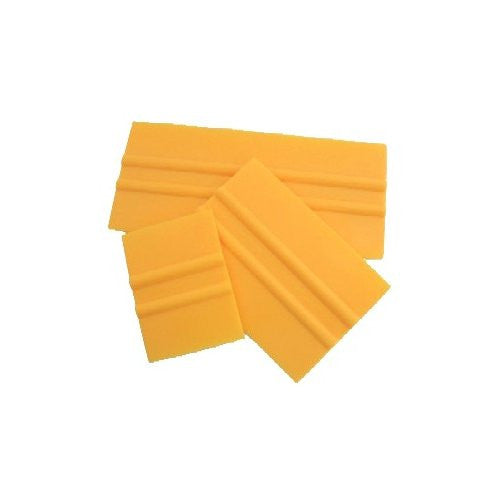
Squeegee (You can get these from us individually, or as part of our stencil making kit)
-
Spoon or palette knife
-
Board or flat work surface
-
Tacky spray
-
Container of cool water
-
Hose or sink sprayer with a mist setting
-
Dish soap for cleanup
Step 1: Cut the Hydro Dipping Film
I started by cutting the clear plastic hydro dipping film down into a more manageable size. You want it to be a little larger than the stencil you'll be printing with.
Once it was cut, I placed the film onto a board that I had lightly sprayed with tacky spray. This helped hold the film in place so it wouldn’t slide around while I was printing onto it.


Step 2: Screen Print the Design onto the Film
To get my design onto the hydro dipping film, I used an EZScreen stencil.
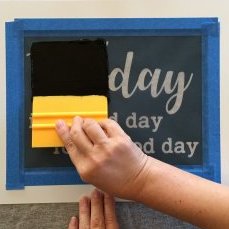
I mixed up the hydro dipping ink, then used a spoon to load some of the ink onto my squeegee. From there, I pulled the ink across the EZScreen stencil, pushing the ink through the design and onto the clear film underneath.
Once the design was printed, I carefully peeled the stencil away and set it aside for cleaning.


Step 3: Hydrate the Film
Next, I took the printed hydro dipping film and laid it print side up on the surface of a container filled with cool water.
The film hydrates pretty quickly. You’ll see it start to soften, spread, and almost relax on top of the water. Once that happens, it’s ready for dipping!

Step 4: Dip the Bisque Piece
For this test, I used a bisque-fired goblet.
I slowly rolled the goblet over the printed design, allowing the ink to transfer onto the ceramic surface. Rolling it slowly helps the design wrap around the form and stick a little better.


Step 5: Rinse Away the Film Residue
After dipping, there was some residue left from the film. I used the mist setting on my hose to gently rinse the goblet and remove the excess film residue.
Since this was my first time trying the process, I think I may have rinsed the goblet a little more than I needed to, but the design still transferred well. Next time, I’ll probably rinse a little more lightly and see how that affects the final result.

Step 6: Clean the EZScreen Stencil
After printing, I cleaned the hydro dipping ink out of the EZScreen stencil using dish soap and water.
It’s always a good idea to clean your stencil as soon as you’re finished printing so the ink doesn’t dry into the mesh.

Final Thoughts
For a first attempt, I’m calling this hydro dipped bisque goblet a success!
The process was surprisingly simple: print the design onto the film, float it on water, roll the bisque piece through the design, and rinse away the residue. Using an EZScreen stencil made it easy to get a detailed pattern onto the hydro dipping film before transferring it to the ceramic surface.
Now I’m excited to see how it looks after glazing and firing.
Follow us on our socials to see the finished piece! @ezscreenprint

- Choosing a selection results in a full page refresh.
7 comments
blackthorn
I’ve been wondering – what is the composition of the ink? I understand you are firing it. I’m just trying to figure out if any customization can be done to the ink and still have it interact well with the hydrofilm. Thanks and thanks for the cool demo!
Cathy Harris
Very interesting. I think I’ll give it a try! Thanks for sharing.